Screenshots, GIFs, and Showcase Videos from One Sentence
- agent-browser
- claude-code
- screenshots
- video
- skills
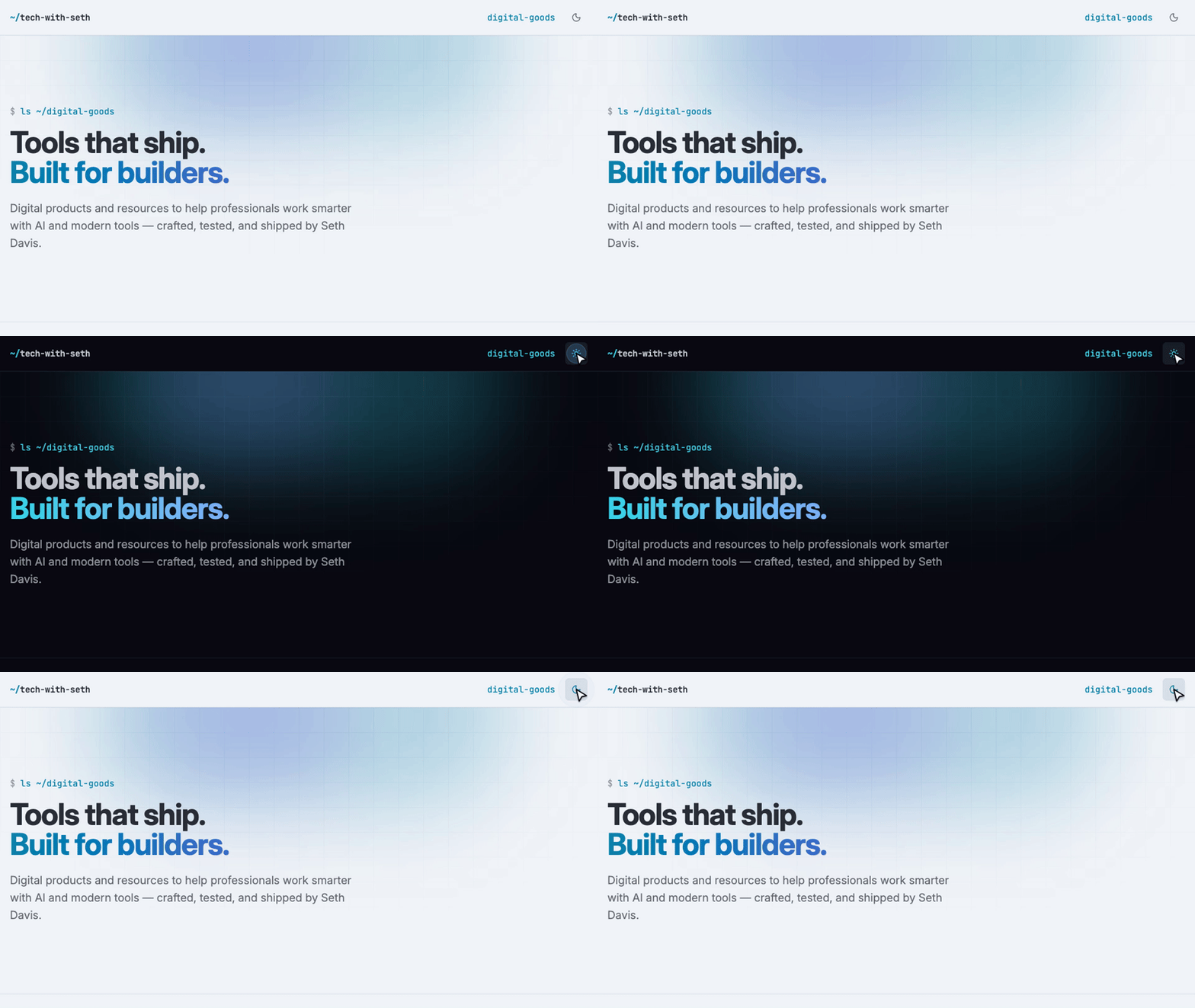
That GIF took one sentence: "make a GIF of the theme toggle for the README." Claude Code opened the site in a real browser, found the toggle, recorded a four-second take, converted it with a two-pass palette so the text stayed crisp, read a contact sheet of the result to check it, and handed me a 960px file under a megabyte. I didn't open a screen recorder or look up an ffmpeg flag.
I used to make these by hand, and every one was slightly different. Wrong viewport, forgot retina, forgot dark mode, GIF too big for GitHub. So I turned the routine into Claude Code skills, and the part worth writing down is what the browser layer has to do for that to work.
The browser is the whole trick
A coding agent can't click a screenshot button. It needs a browser it can drive from a shell: open a URL, set a viewport, find an element, click it, record, and get structured output back. Three things matter more than I expected.
Refs, not coordinates. The agent needs to click "the theme toggle," not pixel 1412,38. agent-browser gives every interactive element a short ref from an accessibility snapshot (@e3), so a skill can say "snapshot, find the button whose name mentions theme, click it." That survives layout changes and works on sites the agent has never seen.
Recording as a first-class command. record start --cursor --contact-sheet and record stop --json turn a take into an MP4 plus a grid of frames the agent can read to verify what it captured. The verification step is what makes the output trustworthy; an agent that can't look at its own capture will confidently ship a blank frame.
A self-describing CLI. agent-browser ships its own operating guide (agent-browser skills get core) so the agent reads current docs instead of guessing at flags. It's built for this use. Playwright can do most of the same mechanics, and it's the right tool for test suites, but you'd be writing scripts for the agent to run rather than giving it a CLI it can drive conversationally, and you'd build the snapshot, ref, and contact-sheet layers yourself. Different job, different shape.
What the skills encode
Once the browser can be driven, the skills are mostly decisions I didn't want to remake every time.
- Presets with escape hatches. Desktop is 1440 by 900 at 2x. Tablet and mobile have their own sizes and scales. Anything else you name, "OG image", "iPhone SE", "at the md breakpoint", gets interpreted and set rather than asked about.
- Dark mode detection. Try the media query first. If the dark capture is byte-identical to the light one, the site has its own toggle, so find it and click it. Report which method worked.
- GIFs sized by destination. README gets 960px, a full slide gets 1280px, chat gets 640px. If the file is over the limit, step the frame rate down, then the width, and say so.
- Showcase videos from a shot list. A five-line JSON file names the moves (scroll to Features, hover Pricing, click Get started). A script injects a cursor overlay, eases the scrolls, syncs timestamps with a flash frame, and cuts dissolves on page changes with ffmpeg.
That clip is the showcase mode pointed at my own storefront: a scroll, a hover, a click into a product, another scroll. Twelve seconds, 1080p, from a shot list shorter than this paragraph.
Why this is worth more than it looks
The obvious win is time. The less obvious one is that the artifacts stop varying. Every PR gets the same six screenshots. Every README GIF is the same width and under the same size. Every showcase video has the same cursor, the same pacing, the same dissolve. Consistency is what makes a portfolio or a changelog look deliberate, and it's exactly the thing a human doing it by hand on a Friday afternoon drops first.
The other win is that the verification is built in. The skill reads the file it made before telling me it's done. It catches the cookie banner, the half-rendered page, the autofilled email in a form field. That's a QA pass I would not have done.
Get the skills
I packaged these as Shutter, a Claude Code plugin with four skills: setup, screenshot, GIF, and showcase video, plus a guide that walks through each one with recipes. You install agent-browser and ffmpeg, upload the plugin zip at claude.ai or drop it into ~/.claude/skills/, and say what you want.
- Shutter on Tech with Seth, $19 one-time with all 1.x updates.
- The Shutter Guide, free, if you want to read how it works first.
If you'd rather build your own, everything above is the design. The browser layer is the part to get right.